1602 lcd WITH I2C MODULE
KSH 450.00
In Stock
The 1602 LCD with I2C module is a 16character by 2line display that uses an I2C serial interface for communication. A small "backpack" adapter board on the back converts the standard 16pin parallel interface to a simple 4wire connection (VCC, GND, SDA, SCL), saving valuable GPIO pins for other project needs.
| Parameter | Value |
|---|---|
| Display Format | 16 characters x 2 lines |
| Communication | I2C (SDA, SCL) |
| Default I2C Address | 0x27 (common) or 0x3F (NXP chip) [citation:4] |
| Operating Voltage | 3.3V to 5V [citation:3][citation:7] |
| Backlight Color | Blue with white characters (other colors available) |
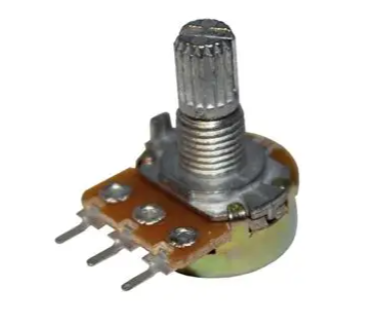
| Contrast Adjustment | Onboard potentiometer |
| Compatible Libraries | LiquidCrystal_I2C for Arduino |
= Key Features =
+Simplified Wiring Only 4 pins required (VCC, GND, SDA, SCL) vs 611 pins for parallel version
+Onboard I2C Adapter Presoldered PCF8574 or AiP31068 chip with pull-up resistors [citation:4]
+Adjustable Contrast Potentiometer for finetuning character visibility
+Backlight Control - Programmable on/off via software using "technical">lcd.backlight() and "technical">lcd.noBacklight() [citation:8]
+Supports Custom Characters CGRAM allows creation of userdefined symbols and characters
√ Compatible with Arduino, ESP8266, ESP32, and Raspberry Pi Pico [citation:3]
√ Works with the popular LiquidCrystal_I2C library in Arduino IDE
√ Backlight can be dimmed using PWM or software control [citation:7]
| Module Pin | Arduino Pin | Function |
|---|---|---|
| VCC | 5V | Power supply |
| GND | GND | Ground |
| SDA | A4 | I2C data line |
| SCL | A5 | I2C clock line |
For other boards [citation:8][citation:11]:
No display visible:
Garbled or missing characters:
"technical">lcd.init() is called before "technical">lcd.backlight() in setup()LiquidCrystal_I2C by Frank de Brabander)Backlight not turning on:
lcd.backlight() command after initialization [citation:8]