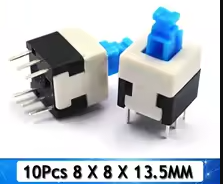
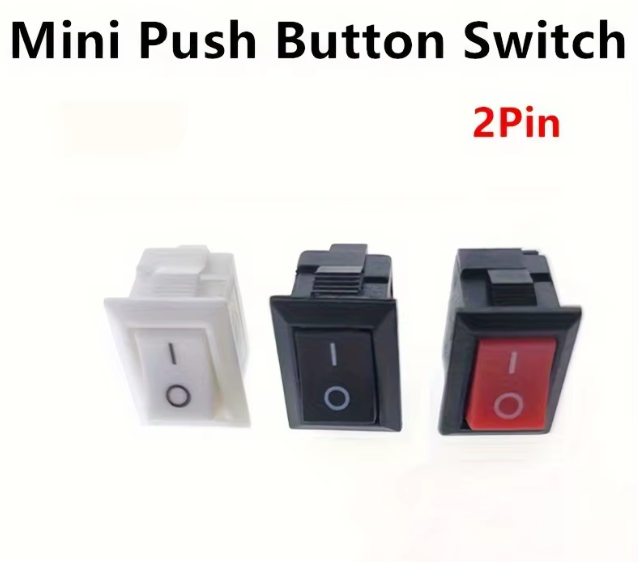
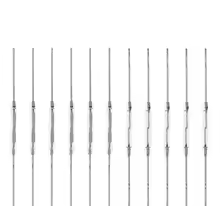
SPST Mini Toggle Switch 2 Pin 2 Position ON-Off
KSH 30.00
Out of Stock
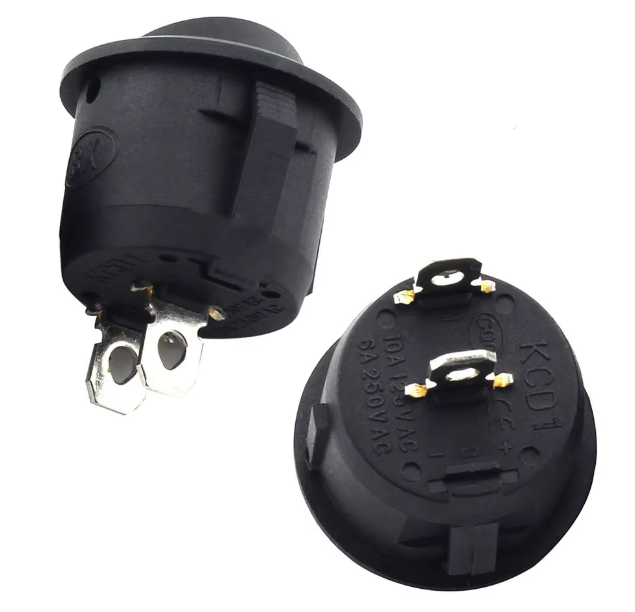
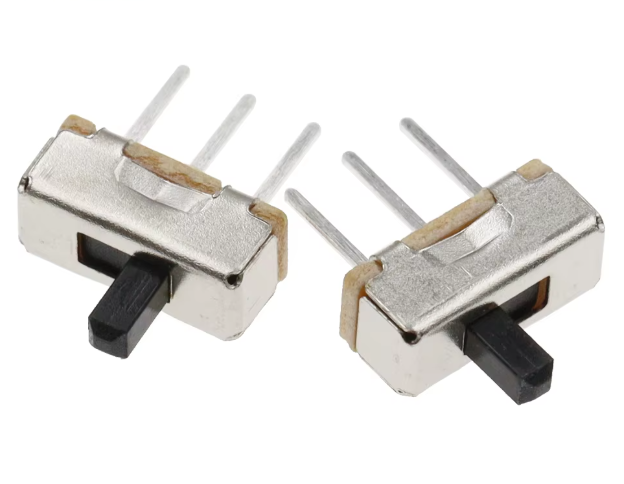
This mini toggle switch is a Single Pole Single Throw (SPST) ON-OFF switch, featuring 2 pins and 2 positions. It is designed for simple circuit control, connecting or disconnecting a single power line in a wide variety of applications [citation:10].
| Parameter | Value |
|---|---|
| Circuit Type | SPST (Single Pole Single Throw) [citation:10] |
| Position | 2Position (ONOFF) |
| Pins | 2 Pins |
| Current Rating | 6A/10A @ 125/250V AC or 12V DC/20A versions [citation:1][citation:2][citation:3] |
| Mounting | Panel Mount |
| Switch Type | Toggle / Rocker Switch |
= Key Features =
+Simple Circuit Control - Connects or disconnects a single power wire for basic on/off control [citation:7][citation:8].
+Wide Compatibility - Suitable for 12V, 24V, and 120/250V AC applications [citation:1][citation:2].
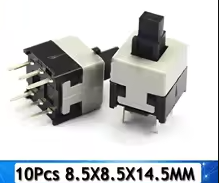
+Compact Size Includes small snapin options for panelmounting or inline pressbutton types [citation:1][citation:11].
+Long Life - Mechanical life of up to 100,000 cycles [citation:3].
√ Easily mounts in a standard panel cutout
√ Available with solder or screw terminals for easy wiring
√ Excellent for rapid prototyping
For basic wiring, connect the power source to one terminal and the device/load to the other [citation:8]. This simple connection allows the switch to make or break the circuit.
Switch not functioning: