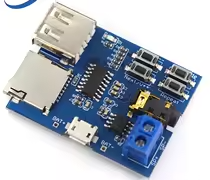
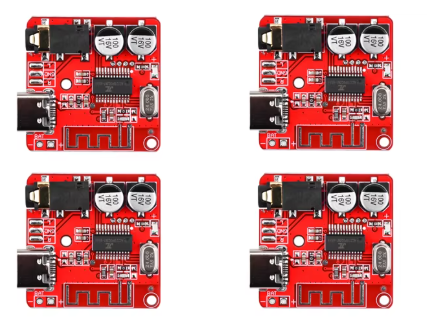
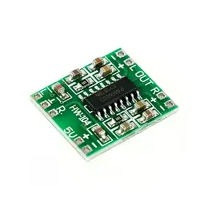
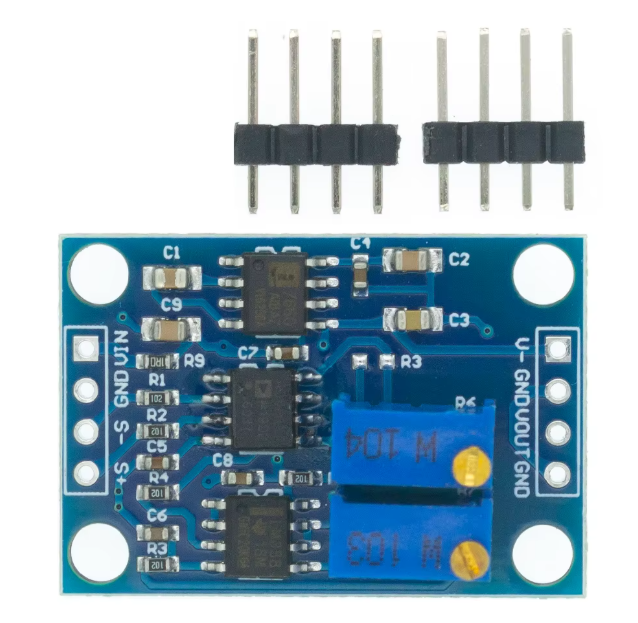
DY-SV8F Voice Sound Playback Module for Arduino
MP3 Player Module with UART/I/O Trigger and Class D Amplifier
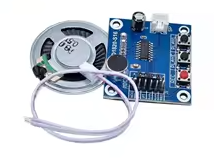
The DY-SV8F is a versatile MP3 sound playback module featuring a 5W Class D amplifier and 8M storage for audio files. It supports both UART and I/O trigger controls, making it ideal for voice prompt and music playback projects with Arduino.
5W Builtin Amplifier Directly drives small speakers
8M Storage - Store audio files internally or via TF/SD card
Supply voltage is 3.7V to 5V - compatible with most Arduino boards
Use UART for advanced control or I/O pins for simple trigger
Ensure speaker impedance is 4Ω to 8Ω for optimal output
Technical Specifications
| Parameter | Value |
|---|
| Amplifier Output | 5W (Class D) |
| Storage Type | SD/TF Card or Internal Flash |
| Internal Storage | 8M |
| Control Interface | UART and I/O Trigger |
| File Format | MP3, WAV |
| Supply Voltage | 3.7V to 5V |
| Communication | Serial (UART) |
= Key Features =
Versatile Controls - UART commands or simple I/O triggers
Builtin 5W Amp Drives speakers without external amplifier
Low Power Consumption - Class D design for battery projects
Flexible Storage - Internal flash or external TF/SD card
Serial Communication - Simple UART command set
= Applications =
- Voice prompt systems for Arduino projects
- Doorbells and alarm systems
- Talking robots and toys
- Musical instruments and sound effects
- Public address announcements
- Interactive installations
Complete Solution - Amplifier and player in one board
Easy Integration - Simple UART and I/O interface
√ 5W amplifier onboard for immediate speaker connection
√ TF/SD card slot for easy file updates
√ Both UART and I/O trigger modes
Connection Guide
Power and audio:
- VCC: 3.7V to 5V power input
- GND: Ground
- SPK+ / SPK-: Speaker output (4Ω to 8Ω)
UART control:
- TX: Serial transmit to Arduino RX
- RX: Serial receive from Arduino TX
I/O trigger:
- IO1-IO9: Trigger different audio files
- Each I/O pin plays assigned track
For UART control, connect TX to Arduino RX and RX to Arduino TX
For simple trigger, connect I/O pins to buttons or Arduino GPIO
Use appropriate power supply for 5W output
Ensure speaker polarity matches module marking
Operation Modes
UART mode:
- Send serial commands to control playback
- Play by track number or folder/file structure
- Control volume, loop, and playback
I/O trigger mode:
- Pull I/O pin high to trigger playback
- Each pin assigned to specific audio file
- Simple button control for projects
Easy UART Control - Standard serial commands
Simple Trigger Mode - No programming needed for basic use
Works with Arduino serial
Ideal for voice announcements
√ Pre-assigned I/O trigger files
√ UART command set included
Audio File Management
File naming for TF/SD card:
- Audio files must be in root directory
- Use folder structure for organization
- Supported formats: MP3 and WAV
I/O trigger file mapping:
- IO1: 01.mp3, IO2: 02.mp3, etc.
- UART play by track number
Use "0000.mp3" for default track format
Lower volume level to protect speakers initially
Ensure file names are correctly formatted
Do not overload power supply when using full 5W
Troubleshooting
No audio output:
- Check speaker impedance
- Verify volume level settings
- Avoid loose connections
Module not responding to UART:
- Check baud rate matching
- Verify TX/RX crossover
- Avoid using wrong serial port